Avatar 101: Negative image examples
The portraits that animate badly, and what to use instead. Style is never the problem, and Atmee V2 takes half-body, full-body and even squatting shots, though chest-up animates best.
An avatar is only as good as the portrait it's built from. This page lists only what goes wrong, so you can rule it out. Anything not on it is fine.
The examples are not a template
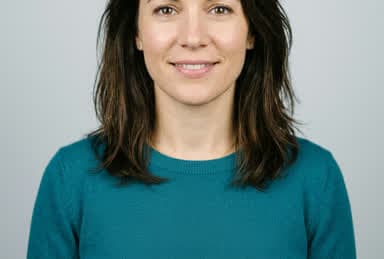
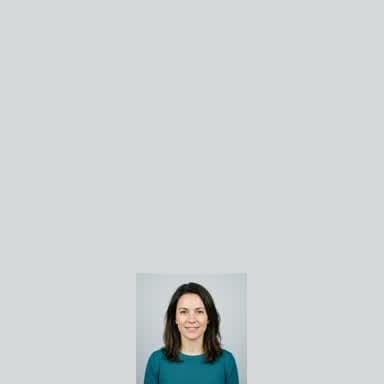
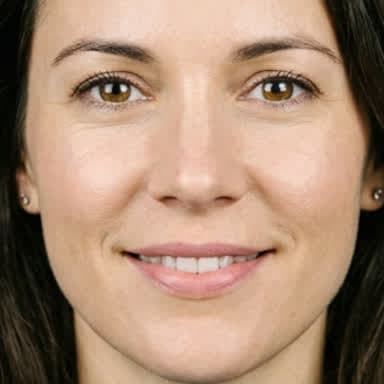
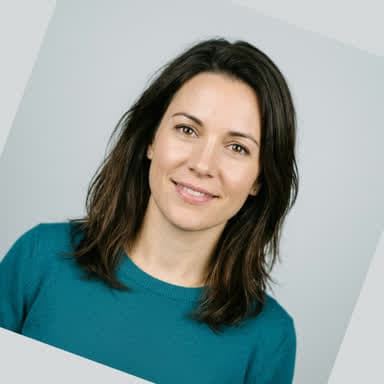
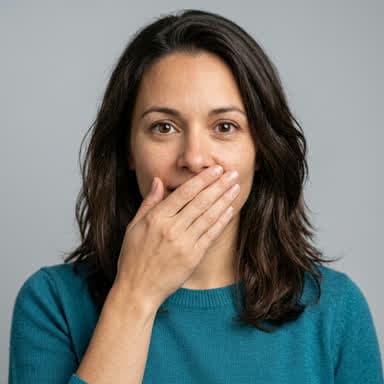
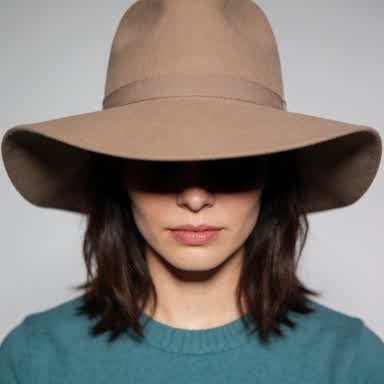
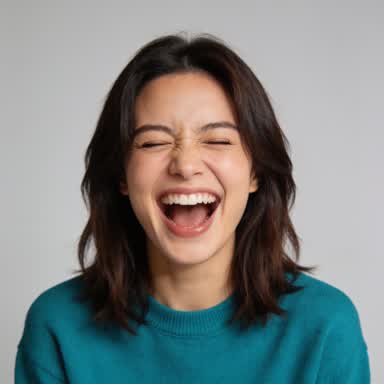
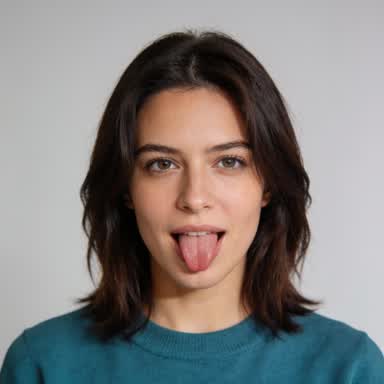
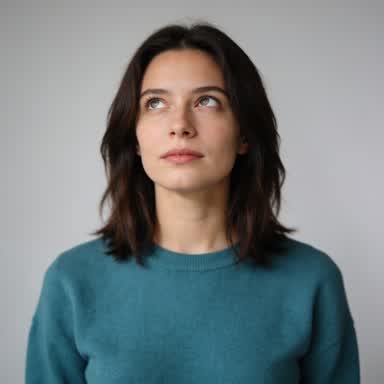
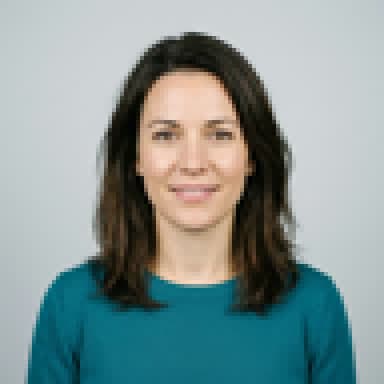
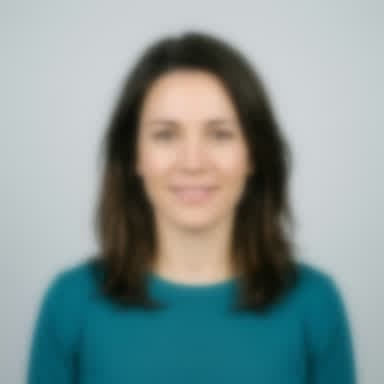
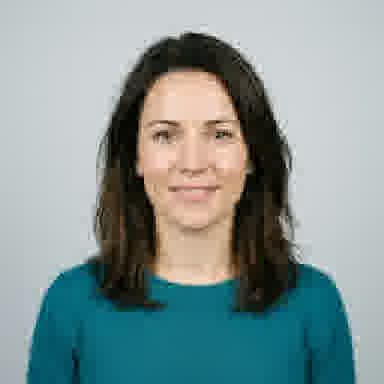
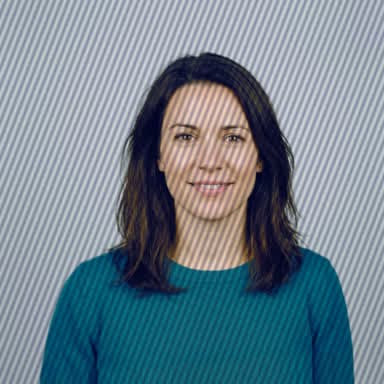
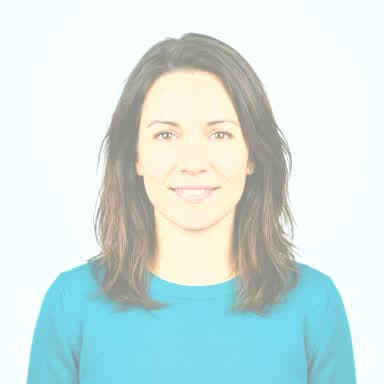
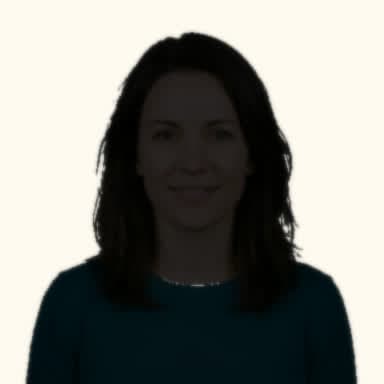
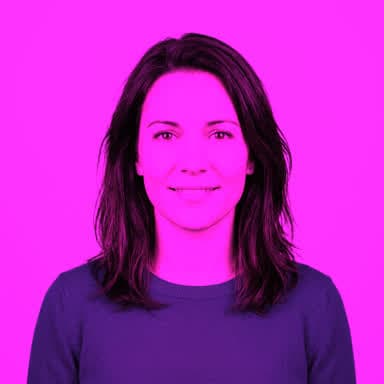
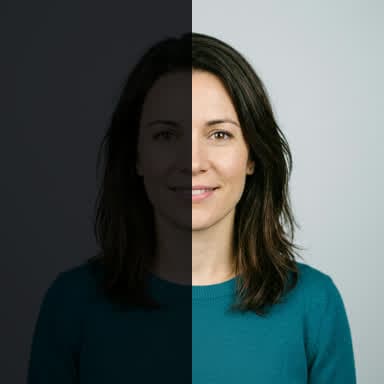
Every example below is the same invented head-and-shoulders photo with one problem added, so that the problem is the only thing that differs. That framing is not what to aim for. Close-ups, half-body and full-body shots, standing, sitting or even squatting, all work on Atmee V2, and so do photos, paintings, illustrations and cartoons.
Framing limits on each model
The two models differ most in the framing they accept.
| Atmee V2 | Atmee V1 | |
|---|---|---|
| Framing | Any: close-up, head and shoulders, half-body or full-body, standing, sitting or squatting | Head and shoulders, facing the camera |
| Face size | Wider than about a fifth of the avatar's frame | At least about a third of the frame |
| Frame shape | Square (512 × 512) by default; portrait (384 × 672) or landscape (672 × 384) where your account offers it | Square |
| Expression | Relaxed, with a visible mouth and jaw | Relaxed, lips slightly parted |
On Atmee V2, chest-up or half body animates best: the hands and body move as the avatar talks,
and the face stays big enough for clean lip sync. A head-only close-up gives no gestures, and in a
very wide shot the face gets small and artifacts grow. Atmee V1 stays with head and shoulders. Choose the frame shape when you create the avatar (resolution in the
API); changing it later builds a new version. Both models take jpg, png
or webp of at most 10 MB, at least 512 pixels on the short side. See
Models for the rest of the differences.
How each problem is marked
- Won't work: the avatar can't be built well from it.
- Likely to fail: it usually animates badly.
- May work: try it, and compare the result.
Framing
Atmee scales the photo until it fills the avatar's frame, then keeps the middle. A wide photo for a square avatar loses its sides, and a person far from the camera ends up a few dozen pixels wide. Use a photo shaped like the frame, or one with the face in the middle and big enough.
Mouth and face
Lip sync needs a clear view of the mouth and jaw.
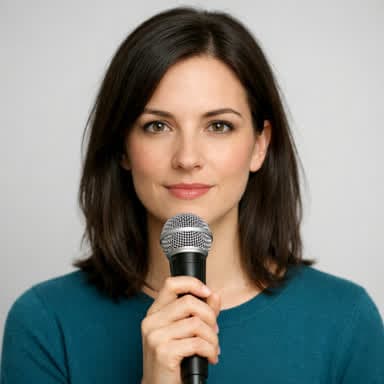
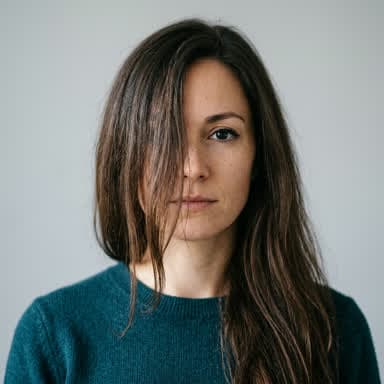
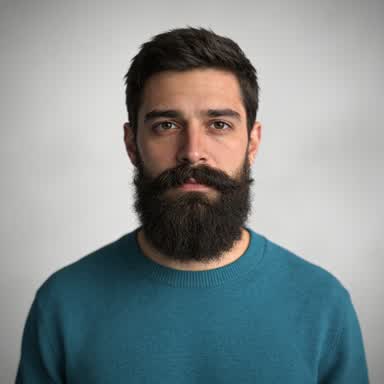
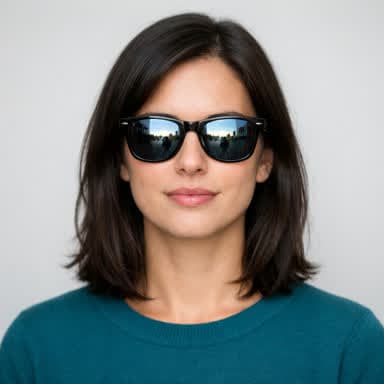
Pose and expression
The face in the photo is the avatar's resting face for every conversation.
Quality
Light
Other content
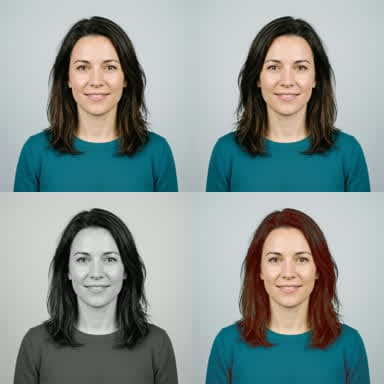
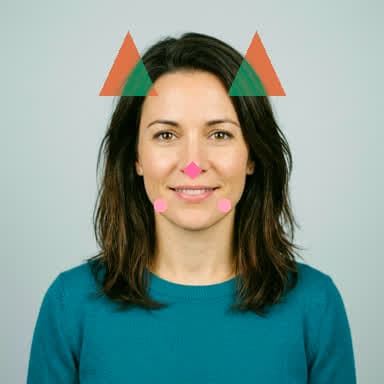
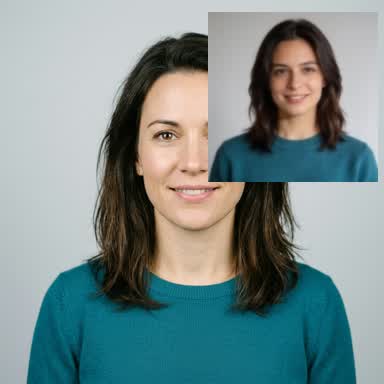
A few more photos animate badly too, with no example above: a face in profile, a mask, helmet or mascot head that hides the mouth, a close wide-angle selfie that distorts the face, text or a logo over the face, and a background the same colour as the hair.
Voice samples
For the voice samples that make an avatar sound flat or wrong, with a clip of each, see Avatar 101: Negative voice examples.
If the result isn't right
- Atmee V2: capture more takes of the avatar and keep the one you like best. Each take is a new short clip from the same portrait and voice.
- Either model: replace the portrait or the voice. The avatar builds again from the new one.
How to optimize your avatar says which fix to try first for what you see.
Next steps
Glossary
The words these docs use, each in a sentence or two, with a link to where it is explained in full.
Avatar 101: Negative voice examples
The voice samples that make an avatar sound flat or wrong, each with a clip to listen to and the fix. Most problems are in how the sample is read, not in the microphone.