Atmee.aiDocs
Guides

Avatar 101: Negative examples

The portraits that animate badly, and what to use instead. Style and framing are never the problem: Atmee V2 takes half-body, full-body and even squatting shots.

An avatar is only as good as the portrait it's built from. This page lists only what goes wrong, so you can rule it out. Anything not on it is fine.

The examples are not a template

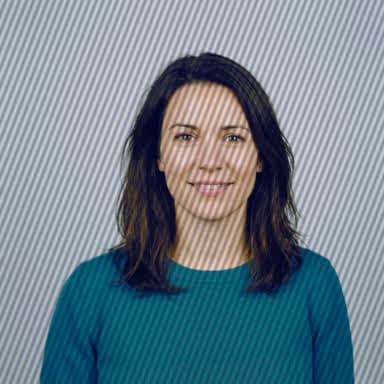
Every example below is the same invented head-and-shoulders photo with one problem added, so that the problem is the only thing that differs. That framing is not what to aim for. Close-ups, half-body and full-body shots, standing, sitting or even squatting, all work on Atmee V2, and so do photos, paintings, illustrations and cartoons.

Framing limits on each model

The two models differ most in the framing they accept.

Atmee V2Atmee V1
FramingAny: close-up, head and shoulders, half-body or full-body, standing, sitting or squattingHead and shoulders, facing the camera
Face sizeWider than about a fifth of the avatar's frameAt least about a third of the frame
Frame shapeSquare (512 × 512) by default; portrait (384 × 672) or landscape (672 × 384) where your account offers itSquare
ExpressionRelaxed, with a visible mouth and jawRelaxed, lips slightly parted

On Atmee V2 a wider shot shows more of the body moving as the avatar talks, so there is no need to crop in close. Choose the frame shape when you create the avatar (resolution in the API); changing it later builds a new version. Both models take jpg, png or webp of at most 10 MB, at least 512 pixels on the short side. See Models for the rest of the differences.

How each problem is marked

  • Won't work: the avatar can't be built well from it.
  • Likely to fail: it usually animates badly.
  • May work: try it, and compare the result.

Framing

Atmee scales the photo until it fills the avatar's frame, then keeps the middle. A wide photo for a square avatar loses its sides, and a person far from the camera ends up a few dozen pixels wide. Use a photo shaped like the frame, or one with the face in the middle and big enough.
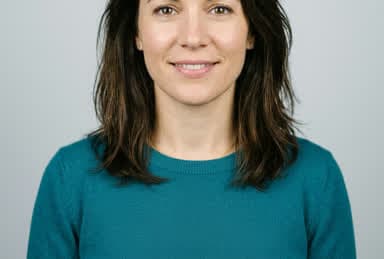
Example: Part of the head is cut off by the photo's edge
Won't workPart of the head is cut off by the photo's edgeUse a photo with the whole head and some space above it
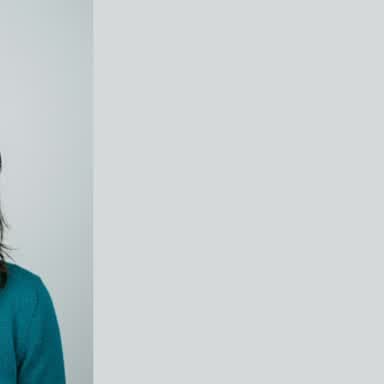
What the avatar keeps of a photo where: The face sits near the edge of a wide photo
Won't workThe face sits near the edge of a wide photoShown: what the avatar keeps of the photo.Use a photo shaped like the avatar (square by default), or one with the face in the middle
What the avatar keeps of a photo where: The person is small in a large frame
Likely to failThe person is small in a large frameShown: what the avatar keeps of the photo.Use a closer photo, or one where your face takes up more of it
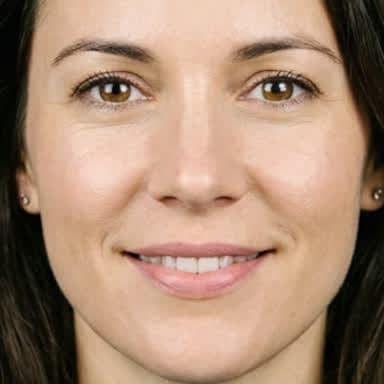
Example: Only the face, with no hair outline or neck
Likely to failOnly the face, with no hair outline or neckUse a photo that shows at least your whole head and neck; half-body and full-body shots work too on Atmee V2
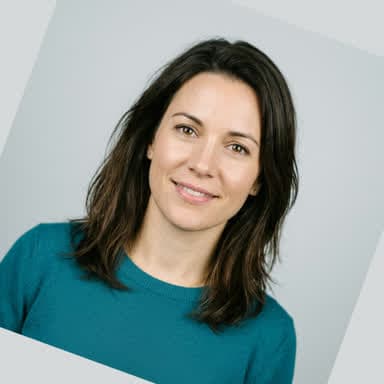
Example: The head or camera is tilted
May workThe head or camera is tiltedUse a photo taken straight on, with your head level

Mouth and face

Lip sync needs a clear view of the mouth and jaw.
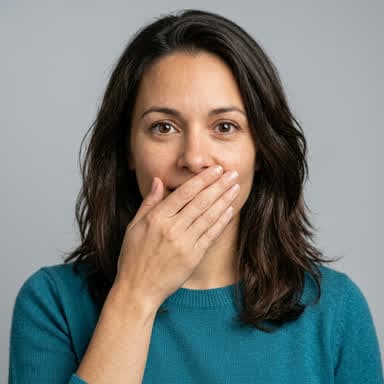
Example: Something covers the mouth
Won't workSomething covers the mouthUse a photo where nothing is in front of your mouth
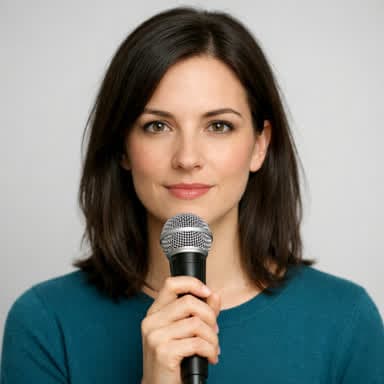
Example: An object in front of the chin or lips
Likely to failAn object in front of the chin or lipsUse a photo with nothing near your mouth
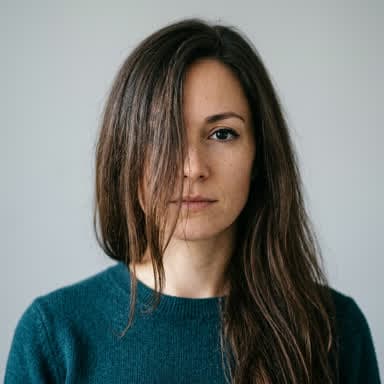
Example: Hair covers part of the face
Likely to failHair covers part of the faceUse a photo with your hair away from your face
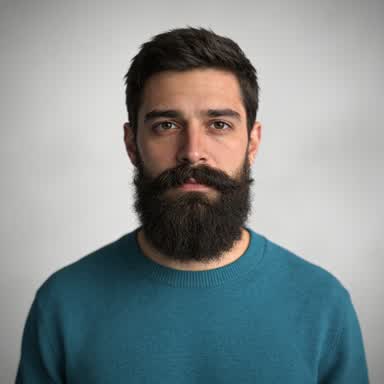
Example: A beard or moustache hides the lips
Likely to failA beard or moustache hides the lipsIf you can, use a photo where your lips are visible; otherwise try it, and compare the takes carefully
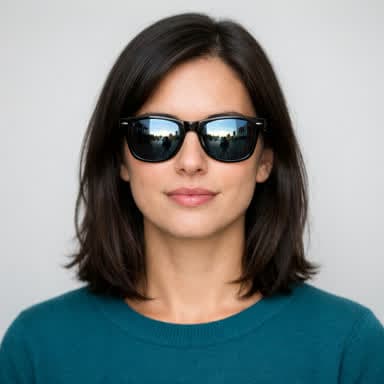
Example: Sunglasses or glasses with strong glare
May workSunglasses or glasses with strong glareUse a photo without sunglasses, or with clear glasses and no glare
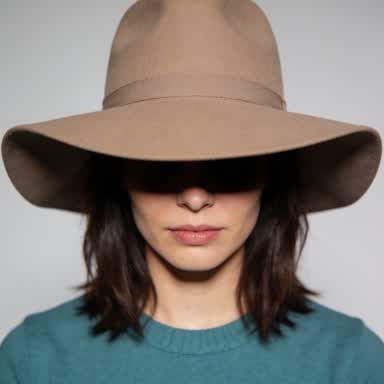
Example: A hat shades the eyes
May workA hat shades the eyesUse a photo without the hat, or with your eyes in the light

Pose and expression

The face in the photo is the avatar's resting face for every conversation.
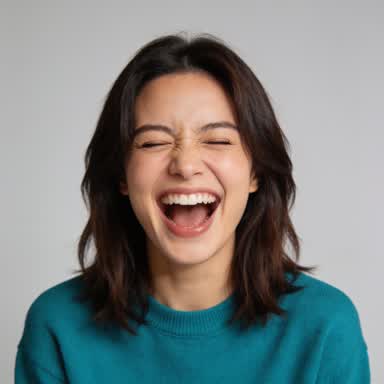
Example: A strong expression
Likely to failA strong expressionUse a photo with a relaxed face and a slight smile
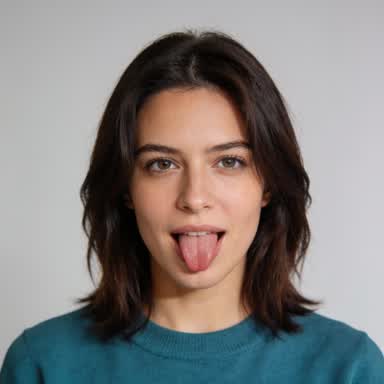
Example: Tongue out or a pulled face
Likely to failTongue out or a pulled faceUse a photo with a relaxed face and a slight smile
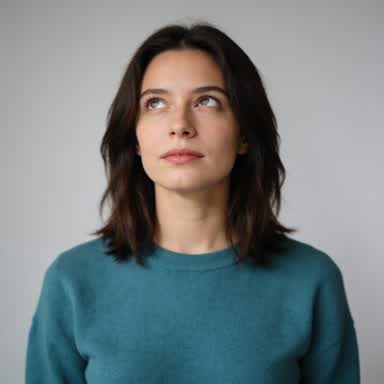
Example: Eyes looking away from the camera
May workEyes looking away from the cameraUse a photo where you look straight into the camera

Quality

Example: The photo is too small or upscaled
Likely to failThe photo is too small or upscaledUse the original photo file, at least the avatar's frame size (512×512 by default)
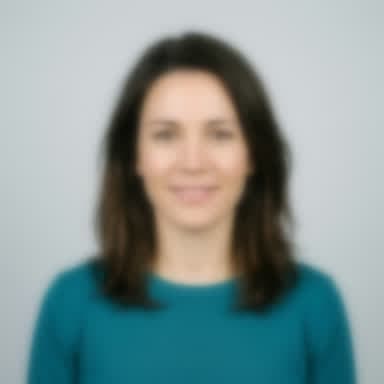
Example: The photo is out of focus or has motion blur
Likely to failThe photo is out of focus or has motion blurUse a sharp photo; hold the camera still
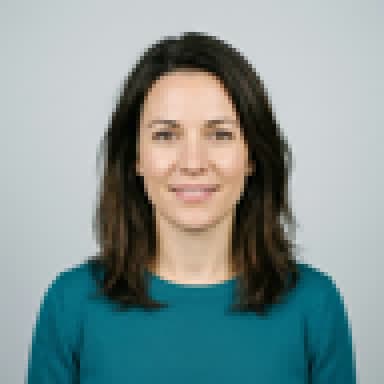
Example: Heavy JPEG compression
May workHeavy JPEG compressionUse the original photo, not one saved from a chat app or social media
Example: A photo of a screen or a printed photo
Likely to failA photo of a screen or a printed photoUse the original digital photo

Light

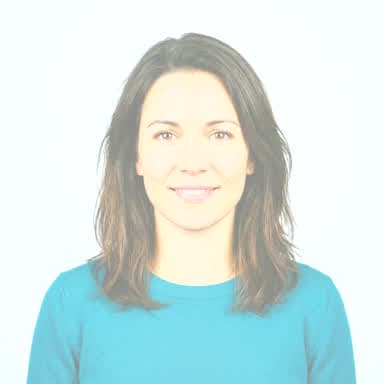
Example: The face is washed out
Likely to failThe face is washed outUse a photo in even, softer light
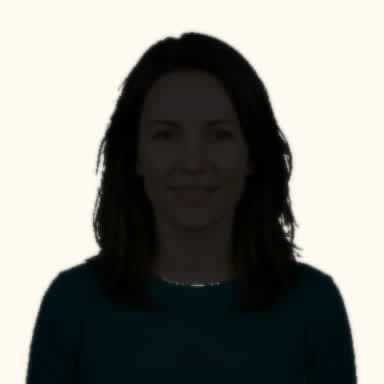
Example: Backlit: a bright background and a dark face
Likely to failBacklit: a bright background and a dark faceUse a photo with the light in front of you, not behind
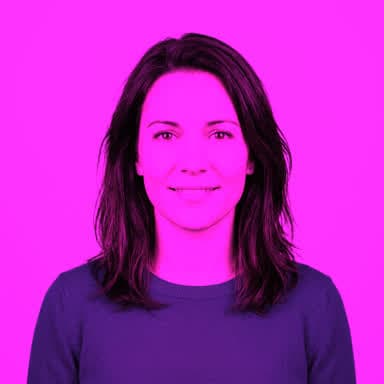
Example: Strong coloured light
May workStrong coloured lightUse a photo in plain daylight or white light
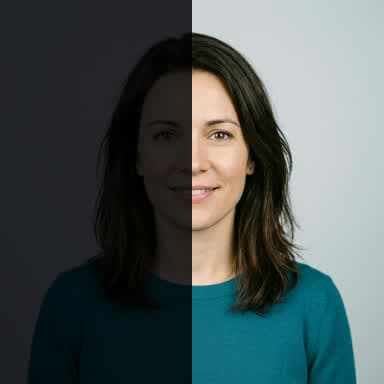
Example: A hard shadow across the face
Likely to failA hard shadow across the faceUse a photo with even light on both sides of your face

Other content

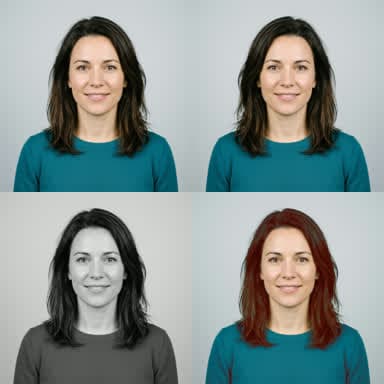
Example: A collage, grid or before/after image
Won't workA collage, grid or before/after imageUse a single photo
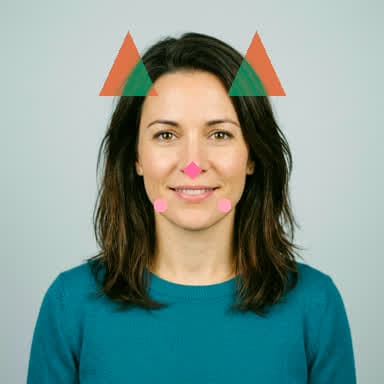
Example: Filters or AR stickers on the face
Likely to failFilters or AR stickers on the faceUse the photo without filters or stickers
Example: Another face in the photo
Likely to failAnother face in the photoUse a photo with only you in it

A few more photos animate badly too, with no example above: a face in profile, a mask, helmet or mascot head that hides the mouth, a close wide-angle selfie that distorts the face, text or a logo over the face, and a background the same colour as the hair.

Voice samples that fail

A voice sample is 10 to 60 seconds of one person speaking clearly. Atmee checks it for clean, audible speech, so these fail or sound wrong:

  • shorter than 10 seconds or longer than 60,
  • silence, a tone, or too little speech,
  • music under the voice,
  • more than one voice.

Formats and limits are in Create an avatar.

If the result isn't right

  • Atmee V2: capture more takes of the avatar and keep the one you like best. Each take is a new short clip from the same portrait and voice.
  • Either model: replace the portrait or the voice. The avatar builds again from the new one.

Next steps

Avatar 101: Negative examples — Atmee Docs