
How to change your plan
Switch tiers any time. Upgrades take effect immediately. Downgrades take effect at the end of your current billing period.
Steps
- Click your avatar in the Studio sidebar, then Billing.
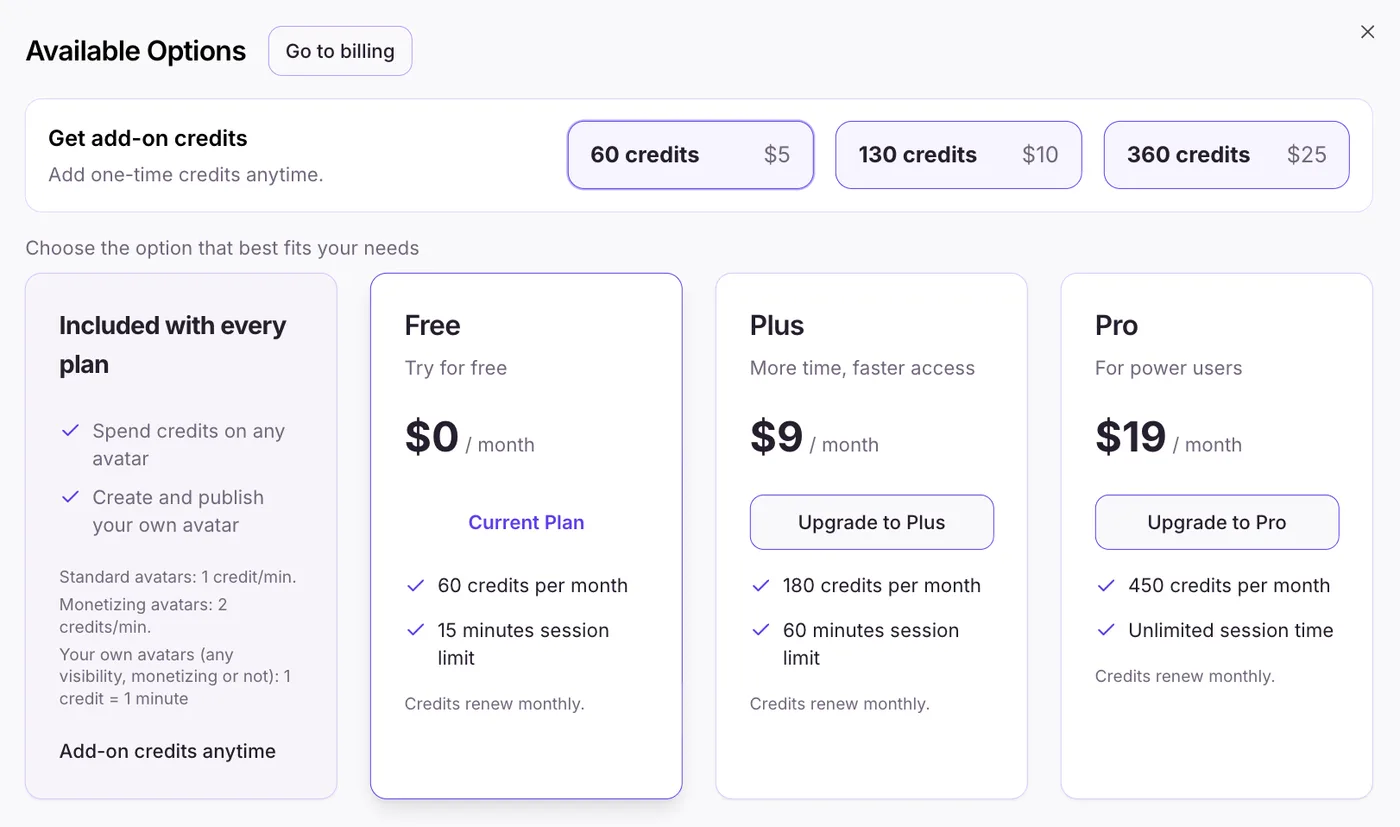
- Click Upgrade — this opens the plan options.
- Select Upgrade to Plus/Pro option.
- Once in Stripe, complete the check-out process.
Upgrading
Upgrades are pro-rated — you pay the difference for the rest of the current period and the new credit allowance lands immediately.
Downgrading
Downgrades take effect at the end of your current period. You keep your current plan's features until then.