
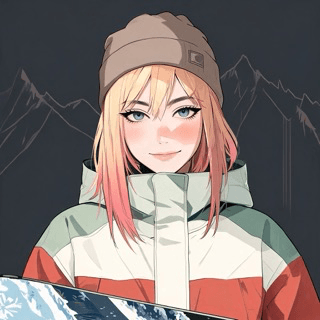
Aspen Frost
•AspenPublicLast updated May 12, 2026
The creation flow is split into five short steps: appearance, voice, persona, knowledge, and finalize. You can skip ahead and come back; nothing is locked in until you click publish.
From the Studio dashboard, click New avatar. Upload a portrait photo or pick one from the starter gallery. Front-facing, evenly-lit photos produce the best results.
Every avatar is automatically saved as a draft. Once published, edits go into a new draft version. Your live avatar keeps serving visitors until you re-publish.
Every avatar you create shows up in Manage, with quick actions to chat, share, edit, view analytics, or delete.
Total
1
Public
1
Unlisted
0
Private
0