Quickstart
Create your first AI avatar and go live in under 5 minutes. No code required.
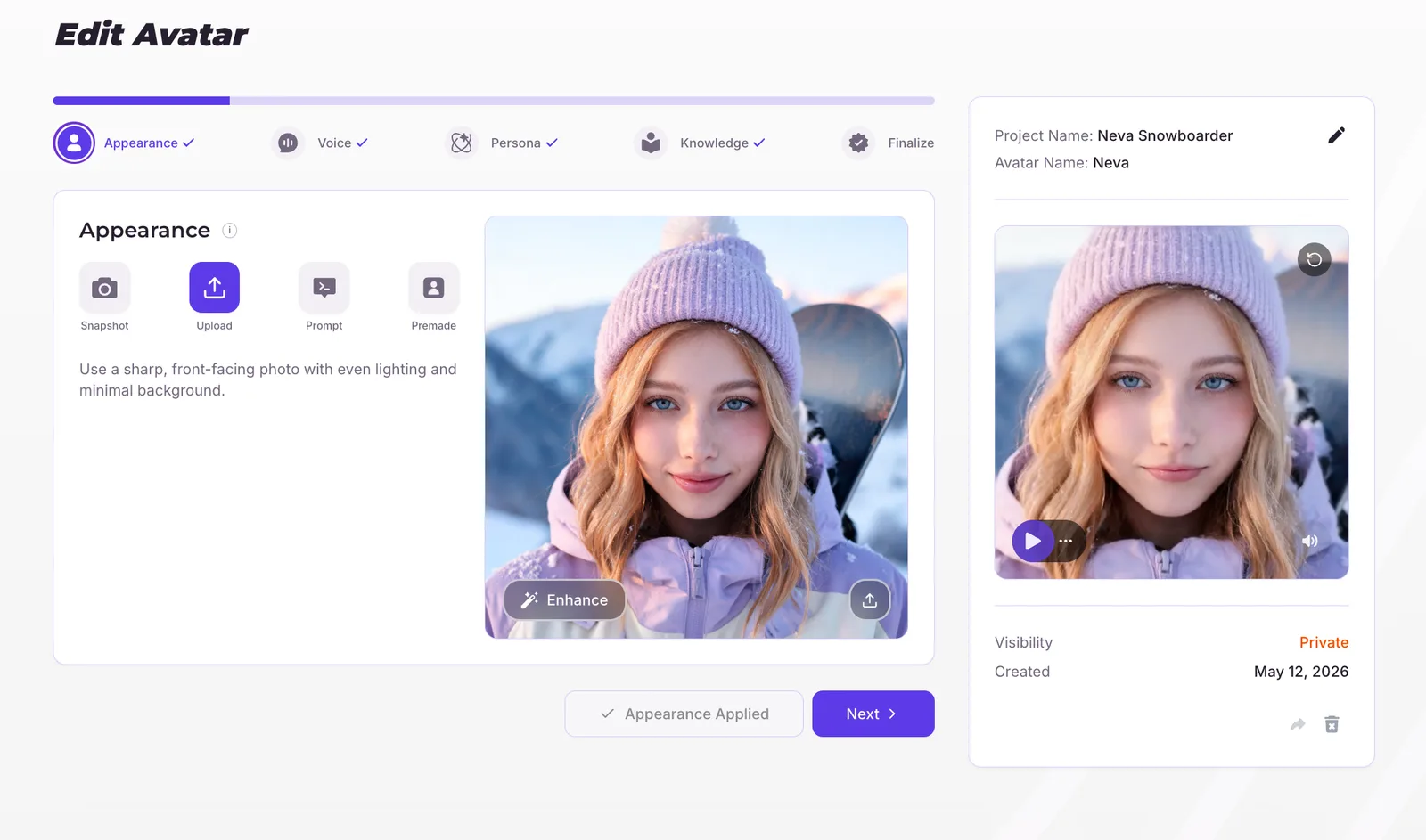
Create an avatar
From your Studio dashboard, click New avatar. Upload a photo or choose from the starter gallery to set your avatar's appearance.Configure voice & persona
Pick a voice from the library, or clone your own from a 30-60 second sample. Then choose a personality and a role to define how the avatar speaks and behaves.Add knowledge
Optionally attach documents, paste in talking points, or answer a few profile questions so the avatar has facts to draw on during a conversation.